
Best Smart TVs To Buy: Ultimate Buying Guide
Find the perfect Smart TV with our expert guide featuring top models, 4K technology, and smart features for every budget.
Shopping for a Smart TV shouldn't feel overwhelming, but with hundreds of models promising the best picture quality, it's easy to get lost in specs and features.
Whether you're upgrading from an older TV or buying your first Smart TV, the right choice depends on your room size, viewing habits, and budget. The difference between a good TV and a great one comes down to knowing which features actually matter.
In this guide, I'll walk you through the 10 best Smart TVs for 2025, covering everything from compact 32-inch models to premium QLED displays. You'll discover which TV fits your space, what features to prioritize, and how to get the most value for your money.
Table of Contents
- Why Upgrade to a Smart TV Now
- Understanding Smart TV Technologies
- Key Features That Actually Matter
- Best Smart TVs by Category
- How to Choose the Right Size
- Operating Systems Compared
- Common Mistakes to Avoid
- Frequently Asked Questions
- Conclusion
Why Upgrade To a Smart TV Now
Smart TVs have become the entertainment hub of modern homes. Unlike older TVs that need external streaming devices, today's Smart TVs come with built-in apps, voice control, and seamless smartphone integration.
The 2025 models offer significant improvements over previous years. You're getting better processors that load apps faster, enhanced picture quality with improved HDR, and smarter features like automatic brightness adjustment based on room lighting.
Price drops have made premium features accessible to everyone. What cost $1,500 two years ago now sits around $600-800, making this the perfect time to upgrade if your TV is more than five years old.
Streaming Without Extra Devices
Modern Smart TVs eliminate the need for Roku sticks or Apple TV boxes. Everything you need is built right in, from Netflix and YouTube to Disney+ and HBO Max.
This integrated approach means fewer remotes, cleaner cable management, and one less device drawing power. You can jump between streaming services with a few button presses instead of switching inputs.
Understanding Smart TV Technologies
The technology behind your screen determines everything from color accuracy to how deep blacks appear. Let's break down what these terms actually mean for your viewing experience.
LED vs QLED vs OLED
LED TVs use backlighting behind an LCD panel. They're affordable, bright, and work well in sunny rooms. The trade-off? Blacks appear more gray than true black because the backlight never turns completely off.
QLED TVs add quantum dots to LED panels, producing more vibrant colors and better brightness. They're Samsung's answer to OLED, offering excellent picture quality without the burn-in risk that comes with OLED screens.
OLED TVs light up each pixel individually, creating perfect blacks by turning pixels completely off. The contrast is stunning for movies, but these screens cost more and work best in darker rooms.
4K Resolution and HDR
4K gives you four times the pixels of Full HD, which means sharper details even on larger screens. The difference is especially noticeable when you sit closer to the TV or watch on screens 50 inches and up.
HDR (High Dynamic Range) might matter more than 4K for most people. It expands the range between the darkest and brightest parts of the image, making scenes look more realistic and lifelike.
Not all HDR is equal though. Look for HDR10 or Dolby Vision support, which most streaming services use. These formats ensure you're seeing content exactly as filmmakers intended.
Key Features That Actually Matter
Some TV features sound impressive in marketing but don't improve your daily viewing. Others make a real difference. Here's what to focus on when comparing models.
Refresh Rate Reality
A 60Hz refresh rate handles most content perfectly fine. Movies play at 24fps, TV shows at 30fps, and most streaming content maxes out at 60fps anyway.
You only need 120Hz if you're a serious gamer with a PlayStation 5 or Xbox Series X. These consoles can output games at 120fps, making fast-paced action smoother and more responsive.
Don't be fooled by "motion rate" or "effective refresh rate" numbers. These marketing terms double or quadruple the real refresh rate through software tricks that don't actually improve motion clarity.
Smart Features Worth Having
Voice control through Alexa or Google Assistant makes finding content easier. Instead of typing show names with a remote, just say what you want to watch.
Smartphone screen mirroring lets you share photos, videos, or presentations from your phone to the TV instantly. Great for showing vacation pics to family or giving work presentations.
Automatic game mode detects when you connect a console and switches to low-latency settings. This reduces input lag from 100ms down to 10-20ms, making your gaming more responsive.
Connectivity Essentials
You need at least three HDMI ports for a modern setup. One for your streaming device or cable box, one for a soundbar, and one for a gaming console leaves no room for extras.
Look for HDMI 2.1 ports if you're buying a 4K TV with 120Hz. Older HDMI 2.0 can't handle the bandwidth needed for 4K at 120fps, limiting your gaming potential.
Built-in Wi-Fi should support both 2.4GHz and 5GHz frequencies. The 5GHz band provides faster, more stable streaming for 4K content, especially if you have multiple devices connected.
Best Smart TVs By Category
Let me walk you through the standout models for different needs and budgets. Each excels in specific areas, making them ideal depending on what matters most to you.
Best Overall: Samsung LH32BETBLGGXZD
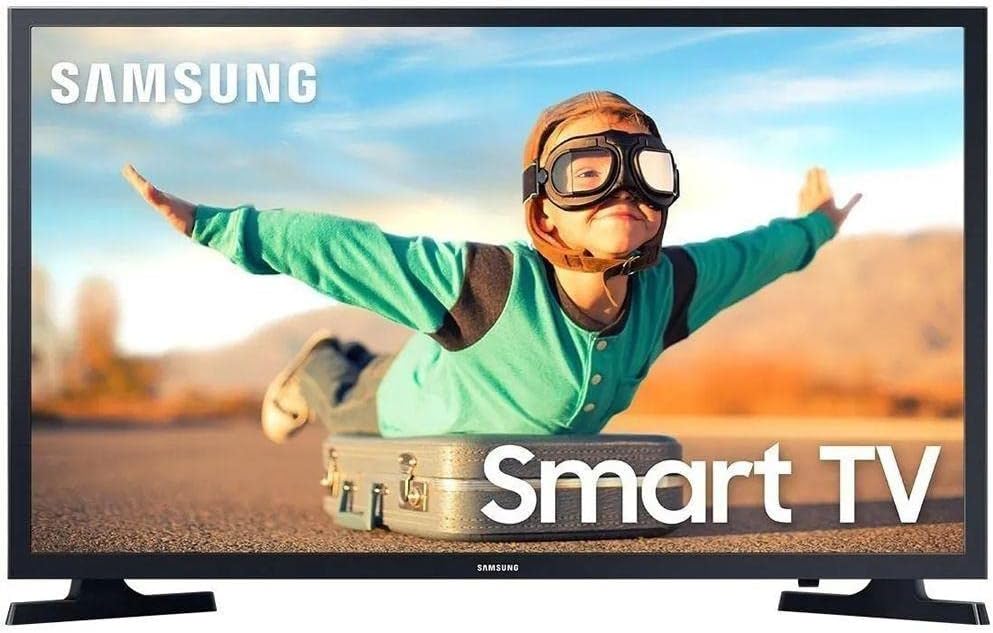
The Tizen operating system responds faster than most budget TV platforms. Apps open within seconds, and switching between Netflix and YouTube feels instant rather than sluggish.
At 32 inches, this TV fits naturally on dressers or smaller wall mounts. The HD resolution provides adequate sharpness for this screen size, though you'll want to sit within 5-6 feet for the best viewing experience.
Best Budget Option: LG 32LQ620
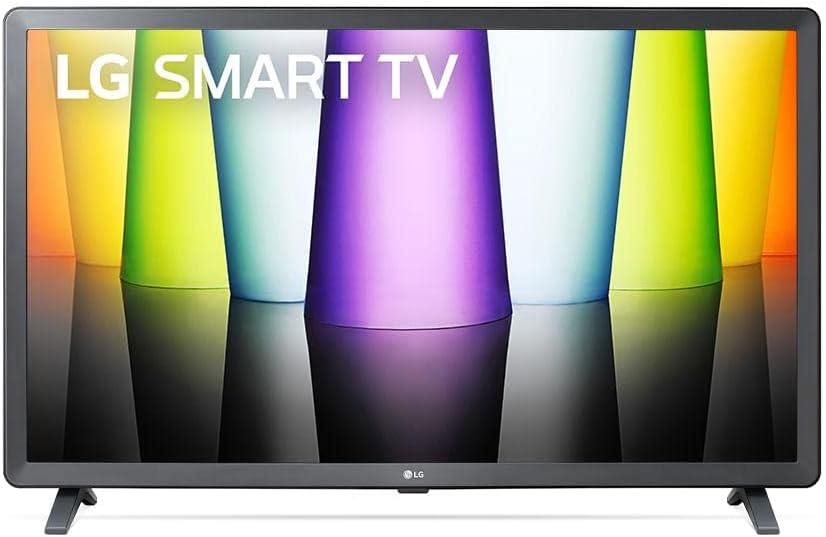
This model proves you don't need to spend a fortune for quality smart features. The A+ energy rating means lower electricity bills compared to older TVs, saving you money beyond just the initial purchase price.
The slim bezels give it a modern look that doesn't scream "budget TV." When wall-mounted, it blends seamlessly with your room's aesthetic without drawing attention to itself.
Best 4K Value: Samsung Crystal 50"
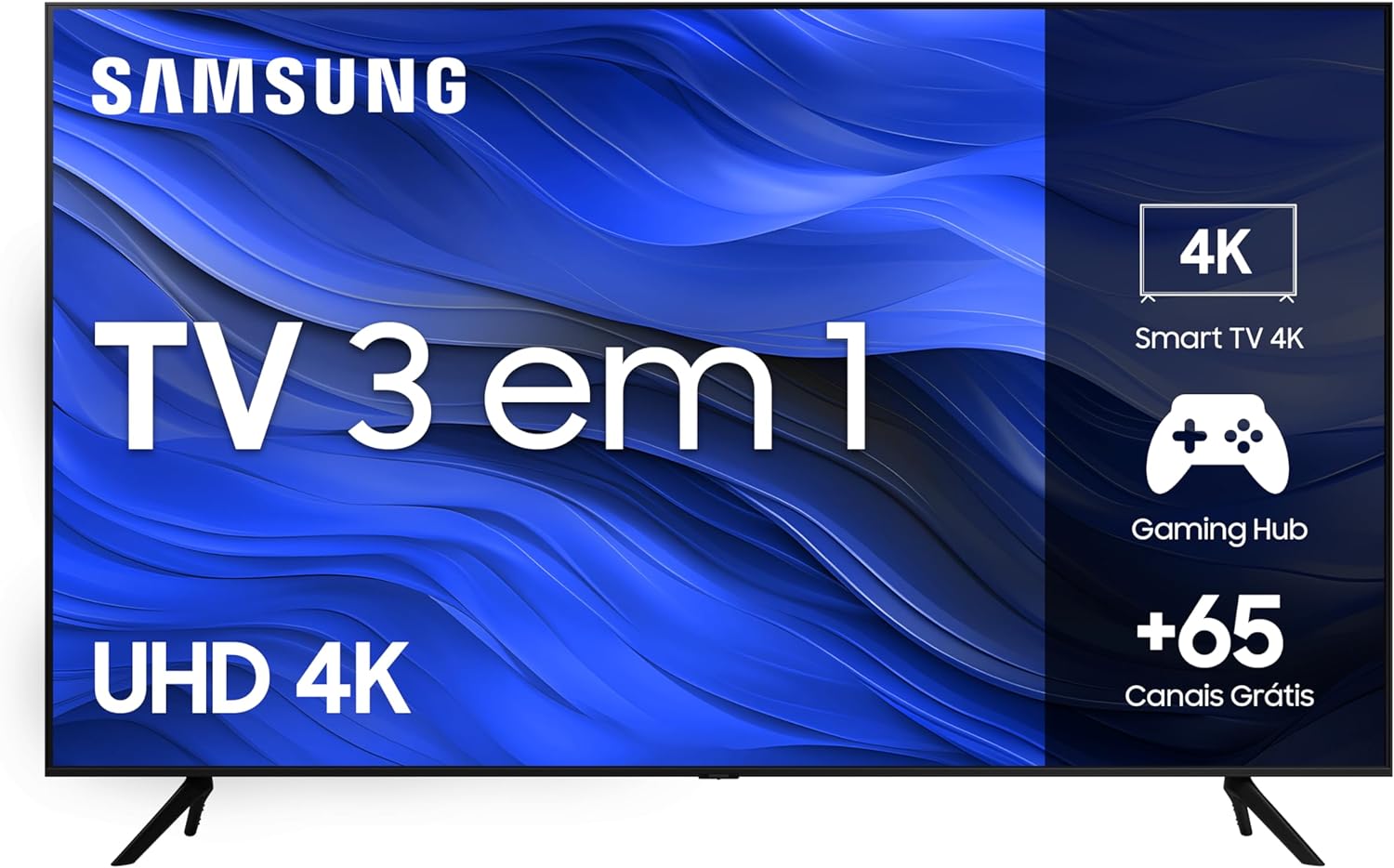
The solar-powered remote charges from indoor lighting, eliminating the need for battery replacements. It's a small detail that makes daily use more convenient and environmentally friendly.
Over 65 free channels through Samsung TV Plus give you content options even without a streaming subscription. Great for watching news, sports highlights, or background entertainment.
Best Sound: Samsung 43" LED
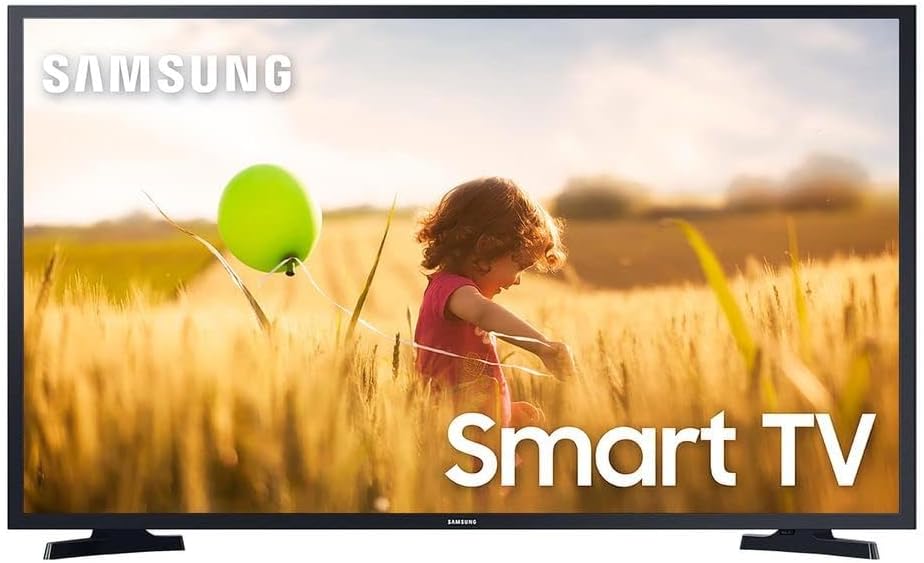
Full HD at 43 inches looks sharp enough for most viewing distances. The Hyper Real processor upscales lower-resolution content reasonably well, making cable TV and older streaming content look better than expected.
HDR support enhances contrast in supported content. Dark scenes in movies show more shadow detail, while bright outdoor scenes don't lose highlights to overexposure.
Most Versatile: AOC Roku TV
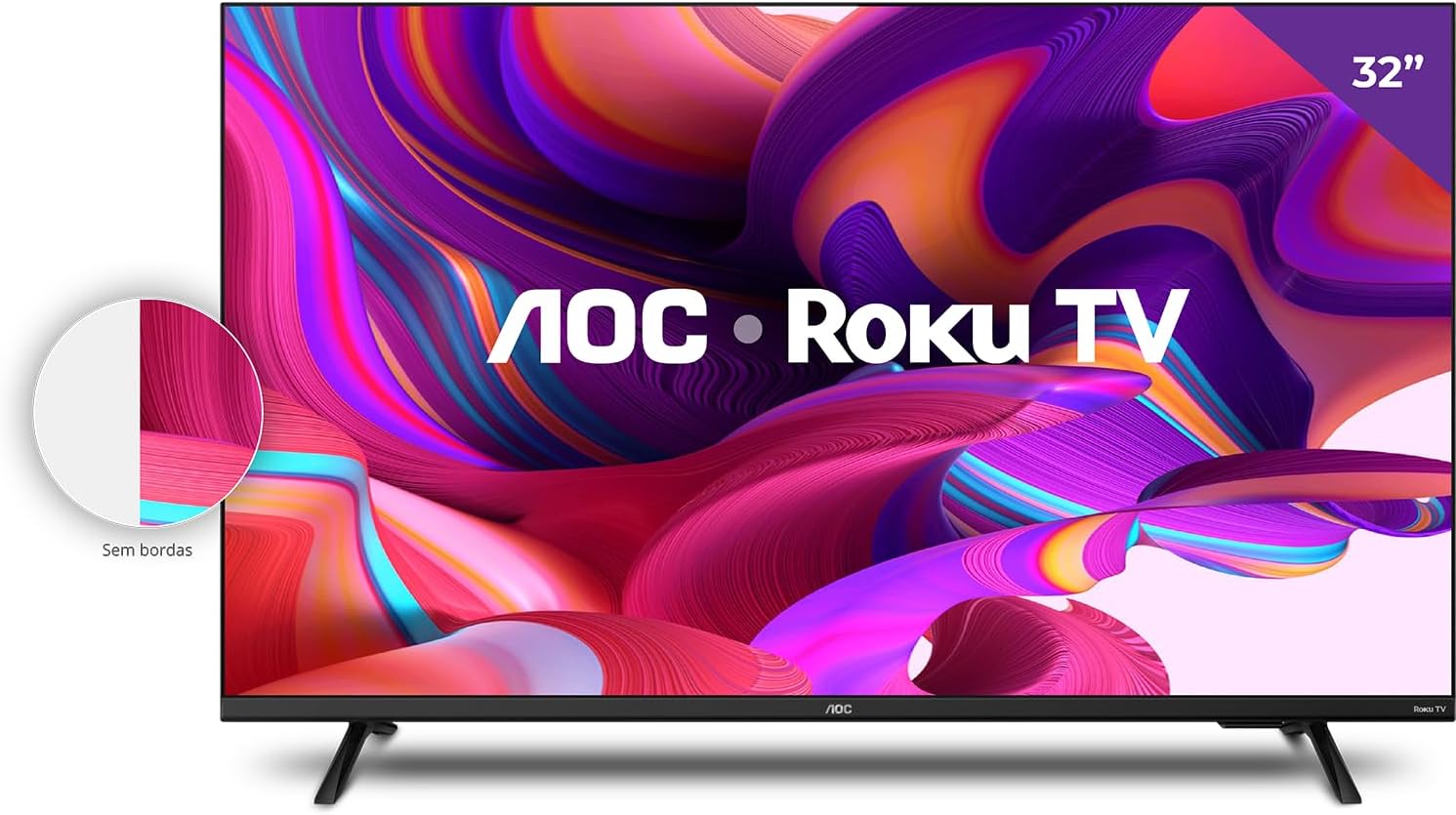
The mobile app turns your smartphone into a full-featured remote with a proper keyboard for typing searches. Much faster than pecking at letters with arrow buttons on a traditional remote.
Borderless design maximizes screen real estate, giving you more viewing area in the same physical footprint. The slim bezels also make the TV look more expensive than its actual price.
Best Performance: LG ThinQ AI
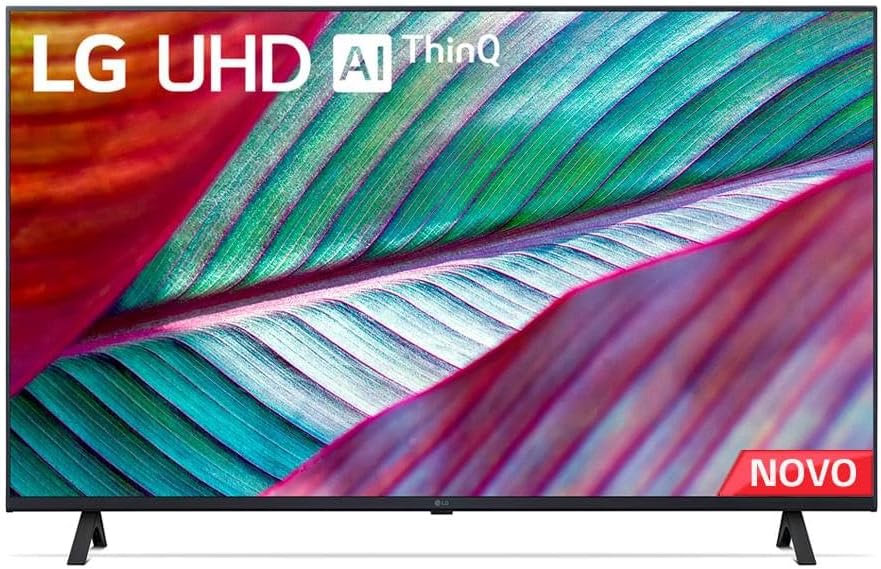
Gaming optimizations reduce input lag to around 15ms in game mode. This responsiveness level satisfies casual and competitive gamers without needing expensive gaming-specific displays.
The latest WebOS version loads apps noticeably faster than previous generations. You're looking at 2-3 seconds to launch Netflix instead of the 5-7 seconds older LG TVs need.
Best Connectivity: TCL Android TV
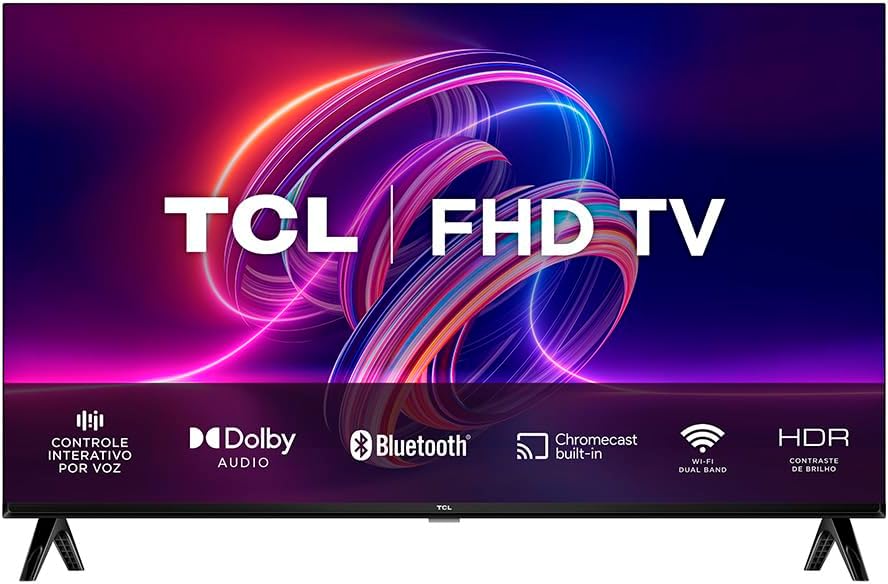
Chromecast built-in means any device on your Wi-Fi network can cast content to the TV instantly. No setup or pairing required beyond being on the same network.
Voice control through Google Assistant works system-wide, not just for launching apps. You can adjust picture settings, switch inputs, or search for specific actors all through voice commands.
Most Practical: TCL 43S615
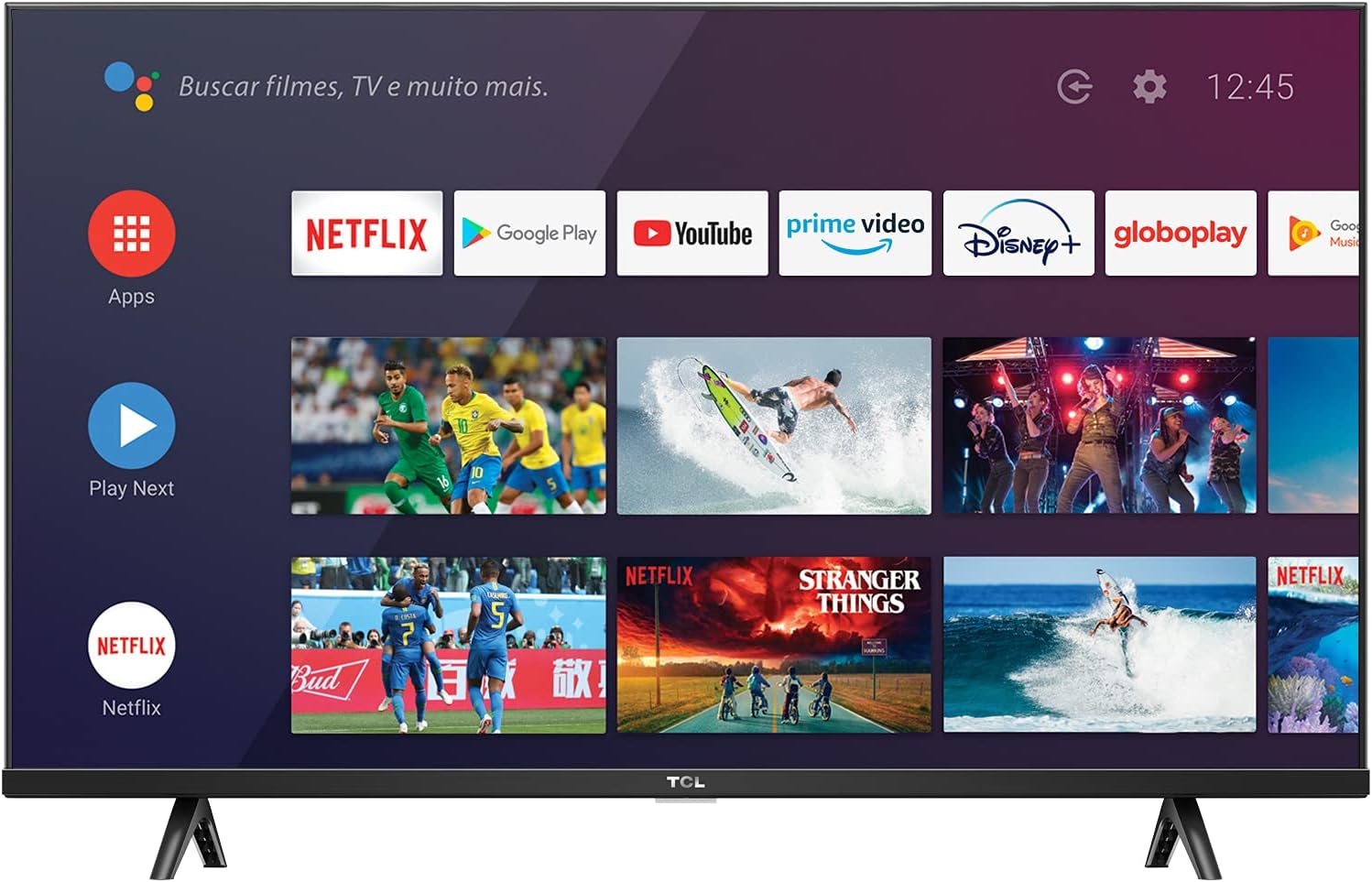
Full HD resolution at 43 inches provides the right balance between picture quality and price. You're not paying extra for 4K on a screen size where most people won't notice the difference from normal viewing distances.
Multiple USB and HDMI ports give you flexibility for external devices. Connect a soundbar, gaming console, and streaming stick simultaneously without constantly swapping cables.
Best Picture: TCL QLED
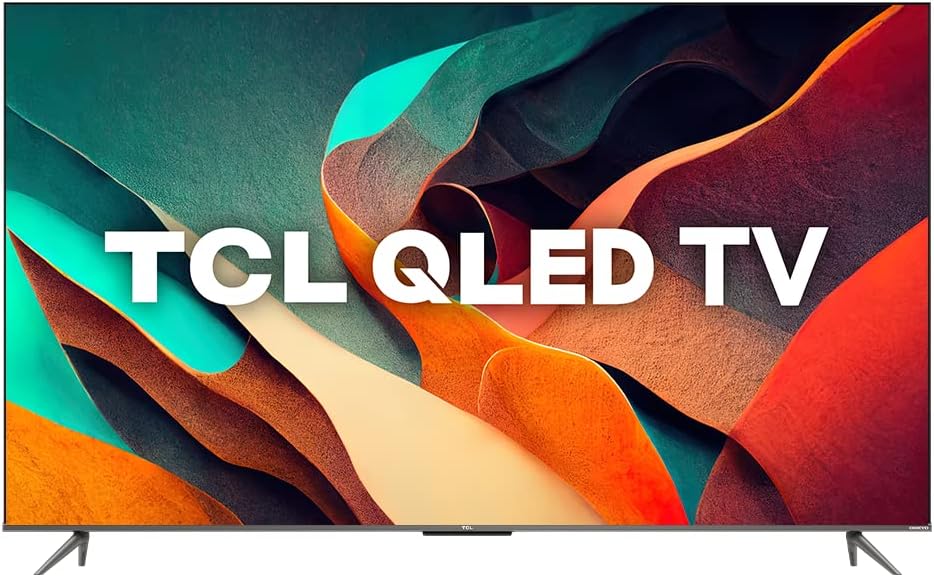
The 120Hz panel benefits gamers with next-gen consoles. Fast-paced games run smoother, and the reduced motion blur helps you track moving objects more accurately.
Dolby Vision support ensures you're seeing HDR content at its best. Streaming services like Netflix, Disney+, and Apple TV+ all use Dolby Vision for their premium content.
Game Master mode automatically detects when you're gaming and switches to optimized settings. It reduces input lag, adjusts color temperature, and enhances shadow details without manual tweaking.
Premium Choice: Samsung Neo QLED
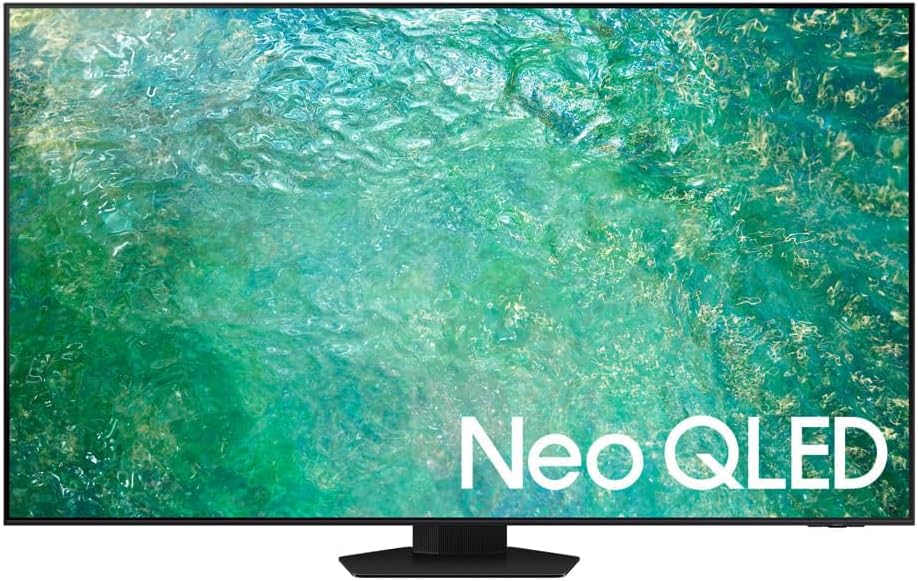
The Neural AI processor upscales lower-resolution content impressively. Regular HD cable TV and older streaming content look sharper and more detailed than they do on standard 4K TVs.
Dolby Atmos audio with 60W speakers delivers room-filling sound. You get clear dialogue, impactful bass, and a sense of height that most TV speakers can't produce.
The NeoSlim design measures less than an inch thick, making it nearly disappear when wall-mounted. Cable management channels hide wires for a clean, minimalist look.
How To Choose The Right Size
Screen size impacts your viewing experience more than resolution or most other features. Too small and you miss details, too large and you'll strain your neck trying to take everything in.
The Distance Formula
A simple rule works for most people: divide your viewing distance in inches by two to get your ideal screen size. Sit 8 feet (96 inches) away? A 48-inch TV fits perfectly.
This formula assumes 4K resolution. If you're considering a Full HD TV, multiply your viewing distance by 1.5 instead to account for the lower pixel density.
Don't stress about getting the exact size from this calculation. Going 5-10 inches bigger or smaller won't ruin your experience, it just changes how immersive the viewing feels.
Room Considerations
Measure your space before shopping. That 65-inch TV looks reasonably sized in the warehouse store, but it might overwhelm your actual living room when you get it home.
Consider where you'll place the TV. Wall mounting lets you go slightly larger since the screen sits closer to the wall. On a stand, factor in the depth of both the TV and furniture.
If your TV faces windows, consider how much natural light hits the screen. Brighter rooms benefit from larger screens since you naturally sit farther back to avoid glare.
When To Go Bigger
Home theater setups justify larger screens. If you've invested in a comfortable sofa and good surround sound, maximize screen size within your budget.
Gaming experiences improve with larger screens when you're using a controller from the couch. The increased size makes distant enemies easier to spot without straining your eyes.
Sports viewing gets more exciting on bigger screens. You'll catch more field details and feel more immersed in the action, especially during game days with friends.
Operating Systems Compared
The software running your Smart TV matters as much as the hardware. A fast processor won't help if the interface lags or lacks the apps you want.
Tizen (Samsung)
Samsung's Tizen loads apps quickly and rarely stutters during navigation. The interface feels polished, with large icons and logical menu organization that new users grasp immediately.
App selection covers all major streaming services plus Samsung's own TV Plus for free content. You won't find as many niche apps as Android TV, but the essentials are all there.
The universal guide aggregates content from all your services into one browsing interface. Instead of checking each app separately, you see everything available across Netflix, Hulu, Prime Video, and more.
WebOS (LG)
LG's WebOS remains the most visually appealing smart TV platform. Apps sit in a bottom ribbon that you scroll through horizontally, keeping more of your content visible while navigating.
The Magic Remote makes WebOS feel responsive and modern. Point it at the screen like a Wii controller instead of clicking through menus with arrow buttons.
Content recommendations learn from your viewing habits. After a few weeks, the home screen suggests shows and movies you'll actually want to watch based on your preferences.
Android TV / Google TV
Google's platform offers the most apps by far. Beyond streaming services, you'll find educational apps, fitness programs, casual games, and specialty content unavailable on other platforms.
Chromecast integration makes sharing from your phone effortless. Videos, photos, and music from your smartphone appear on the TV with a single tap, no cables or setup required.
Google TV (the newer version of Android TV) organizes content by genre and interest rather than by app. It's easier to find something to watch when you're browsing aimlessly.
Roku OS
Roku's simple interface appeals to less tech-savvy users. Large icons, straightforward menus, and consistent layout across all Roku TVs mean minimal learning curve.
The platform stays neutral about content sources. Search results show you every service offering a particular show, letting you choose the cheapest or most convenient option.
Private listening through the mobile app lets you watch TV late without disturbing others. Sound plays through your phone's headphones while the TV displays the picture normally.
Common Mistakes To Avoid
Smart TV shopping comes with pitfalls that can leave you unsatisfied with your purchase. Here are the biggest mistakes I see people make.
Ignoring Total Cost
The TV's price tag doesn't tell the full story. Factor in mounting hardware if you're wall-mounting, HDMI cables for your devices, and potentially a soundbar for better audio.
Extended warranties rarely make financial sense for TVs under $1,000. The failure rate doesn't justify the cost, and credit cards often provide automatic purchase protection anyway.
Streaming subscriptions add up quickly. Before buying that Smart TV, calculate how much you'll spend monthly on Netflix, Disney+, Hulu, and other services you'll actually use.
Overlooking Connectivity
Assume you'll need more HDMI ports than you think. Gaming console, soundbar, streaming device, and cable box fill four ports quickly. Having extras prevents constant cable swapping.
Wi-Fi generation matters for smooth 4K streaming. Older 802.11n routers struggle with high-bandwidth content, causing buffering. Your TV should support 802.11ac or Wi-Fi 5 minimum.
Bluetooth enables wireless headphone connections for late-night viewing. This feature seems minor until you want to watch TV at 2 AM without waking your household.
Buying Too Much TV
Don't automatically choose the biggest screen that fits your budget. An oversized TV in a small room forces your eyes to scan the entire screen, causing viewing fatigue.
Resolution matters less than you think on smaller screens. A 32-inch 4K TV doesn't look noticeably sharper than Full HD at normal viewing distances, so save the money.
Gaming-focused features cost extra but benefit only serious gamers. If you play casually or stick to older consoles, you don't need 120Hz refresh rates or VRR support.
Forgetting About Viewing Habits
Match your TV to how you'll actually use it. An OLED's perfect blacks matter most for movie fans who watch in dark rooms, not for daytime TV viewing in bright spaces.
If you primarily watch cable TV or lower-quality streams, premium picture processing matters more than raw resolution. A good processor makes mediocre content look better.
Consider who else uses the TV. Family-friendly features like parental controls and multiple user profiles matter more with kids in the house.
Rushing the Purchase
TV prices fluctuate significantly throughout the year. Black Friday, Super Bowl season, and new model releases in spring all trigger sales that can save you hundreds of dollars.
Floor models and open-box TVs offer substantial discounts. Check the panel for damage, verify all features work, and ensure you still get a warranty before buying.
Research helps you avoid buyer's remorse. Read reviews from actual owners, not just professional reviewers. Real-world experiences reveal issues that don't show up in controlled testing.
Frequently Asked Questions
What's the ideal viewing distance for a 50-inch TV?
Sit between 6.5 to 8 feet away from a 50-inch 4K TV for the best experience. This range lets you appreciate the detail without seeing individual pixels or straining to take in the full picture.
Closer than 6 feet and the screen might feel overwhelming during long viewing sessions. Farther than 8 feet and you lose some of the immersive quality that a larger screen provides.
Your room layout might require flexibility with this distance. Test different seating positions during the first few days to find what feels most comfortable for your space.
Is a 43-inch Smart TV big enough for my living room?
A 43-inch TV works well for living rooms up to 150 square feet, provided you're sitting 5-7 feet from the screen. Beyond that size or distance, you'll want to consider 50-55 inches instead.
The TV should occupy about one-third of your field of vision for comfortable viewing. If it feels too small during movie nights, the screen size probably isn't matching your room dimensions.
Consider your primary use case too. Casual TV watching works fine with smaller screens, while movie enthusiasts and gamers typically prefer going bigger.
Do I really need HDR on my Smart TV?
HDR makes a noticeable difference if you watch 4K content from streaming services. Netflix, Disney+, Prime Video, and Apple TV+ all use HDR for their premium shows and movies.
The improvement shows most in high-contrast scenes. Sunsets look more vibrant, shadows reveal more detail, and bright objects don't blow out the rest of the image.
Skip HDR if you primarily watch cable TV or older DVDs. These sources don't support HDR anyway, so you won't benefit from the feature even though it's built into your TV.
What does 120Hz refresh rate actually do?
A 120Hz screen refreshes the image 120 times per second, double the standard 60Hz rate. You'll notice smoother motion during fast sports action and reduced blur when cameras pan quickly.
Gamers with PlayStation 5 or Xbox Series X benefit most. These consoles can output games at 120fps, making competitive gaming more responsive and visually fluid.
Most people don't need 120Hz for regular TV and movie watching. Standard content plays at 24-60fps, so the extra refresh rate capability sits unused for casual viewing.
How much should I spend on a good Smart TV?
Expect to invest $250-350 for a quality 43-inch Full HD Smart TV with good features. Moving up to 50-55 inches in 4K with HDR typically runs $500-800 from reputable brands.
Premium models with QLED or OLED screens start around $1,000 and climb from there. These deliver noticeably better picture quality but matter most to videophiles and serious movie fans.
Set your budget based on must-have features rather than chasing the lowest price. A reliable TV that meets your needs costs less long-term than a bargain model that disappoints or breaks.
Conclusion
Choosing your next Smart TV comes down to matching features with your actual viewing habits and room setup. The best TV for your neighbor might not suit your space or preferences.
The Samsung LH32BETBLGGXZD remains my top recommendation for most people seeking a reliable compact TV with solid smart features. It balances performance, features, and price without compromising on everyday usability.
Consider your room size first, then decide which smart platform feels most intuitive to you. Test the interface in-store if possible, or watch YouTube reviews showing real navigation to see which system matches your comfort level.
Remember that even a mid-range TV purchased today outperforms premium models from five years ago. You're getting excellent picture quality and smart features regardless of which model you choose